
Download Photo Glory – Photo Editing, AI Photo Enhancement, Photo Filter, Photo Retouching, Photo Restoration
Overview
Photo Glory is a mobile application designed to elevate the quality and visual appeal of digital photographs through advanced editing tools. The app targets photography enthusiasts, casual users, and professionals seeking efficient, accessible ways to enhance their images directly from their smartphones. Its core purpose lies in transforming ordinary photos into visually striking compositions using AI-powered techniques, offering solutions for common image issues such as poor lighting, blur, noise, and faded colors. The app supports real-world use cases including social media content creation, personal photo albums, and digital archiving of family memories.
As a dedicated tool within the photography category, Photo Glory integrates seamlessly into the mobile ecosystem by providing quick, intuitive editing workflows. It enables users to restore old or damaged photographs, apply artistic filters, and refine facial features or textures with minimal effort. The developer, Photo Glory, has positioned the app as a lightweight yet powerful solution for image enhancement, emphasizing accessibility and ease of use. While specific details about the company’s background are not provided, the app’s focus on AI-driven retouching and restoration suggests a commitment to modern, intelligent image processing technologies.
Given the increasing demand for high-quality visual content across digital platforms, Photo Glory fills a growing need for reliable, on-device photo editing tools. Its free availability further expands its reach, allowing users to experiment with professional-grade features without financial commitment. The app’s release on July 9, 2024, marks a timely entry into a competitive market, offering a streamlined alternative to more complex desktop software.
Key Features & Functionality
Photo Glory delivers a suite of tools tailored for modern photo editing needs, centered around artificial intelligence and user-friendly design. Each feature is engineered to address specific challenges faced by mobile photographers and casual users alike.
- AI Photo Enhancement: Automatically improves image quality by adjusting brightness, contrast, and sharpness using intelligent algorithms. Ideal for low-light or underexposed photos.
- Photo Retouching: Offers tools to remove blemishes, smooth skin, and refine facial features with precision, suitable for portrait photography and social media profiles.
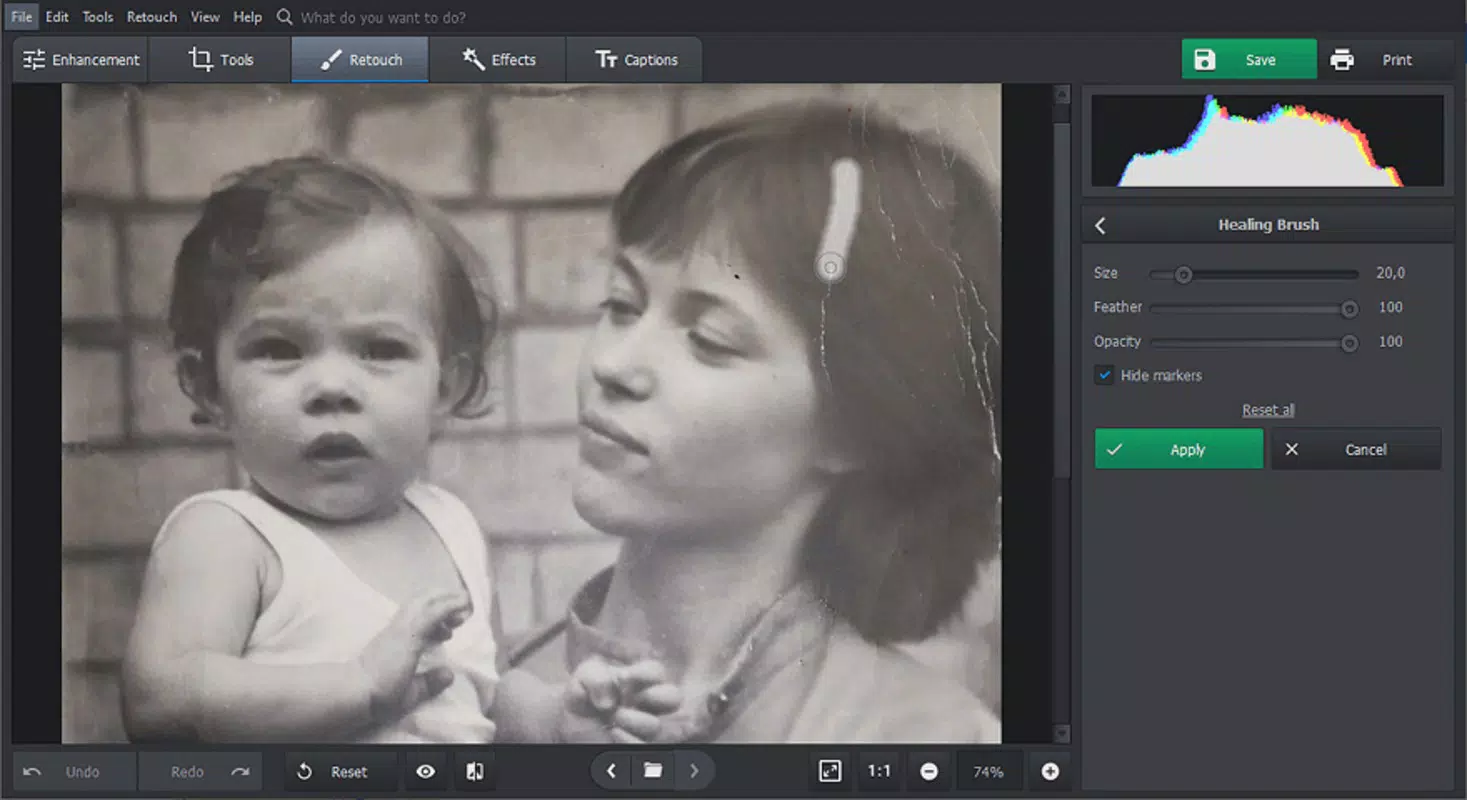
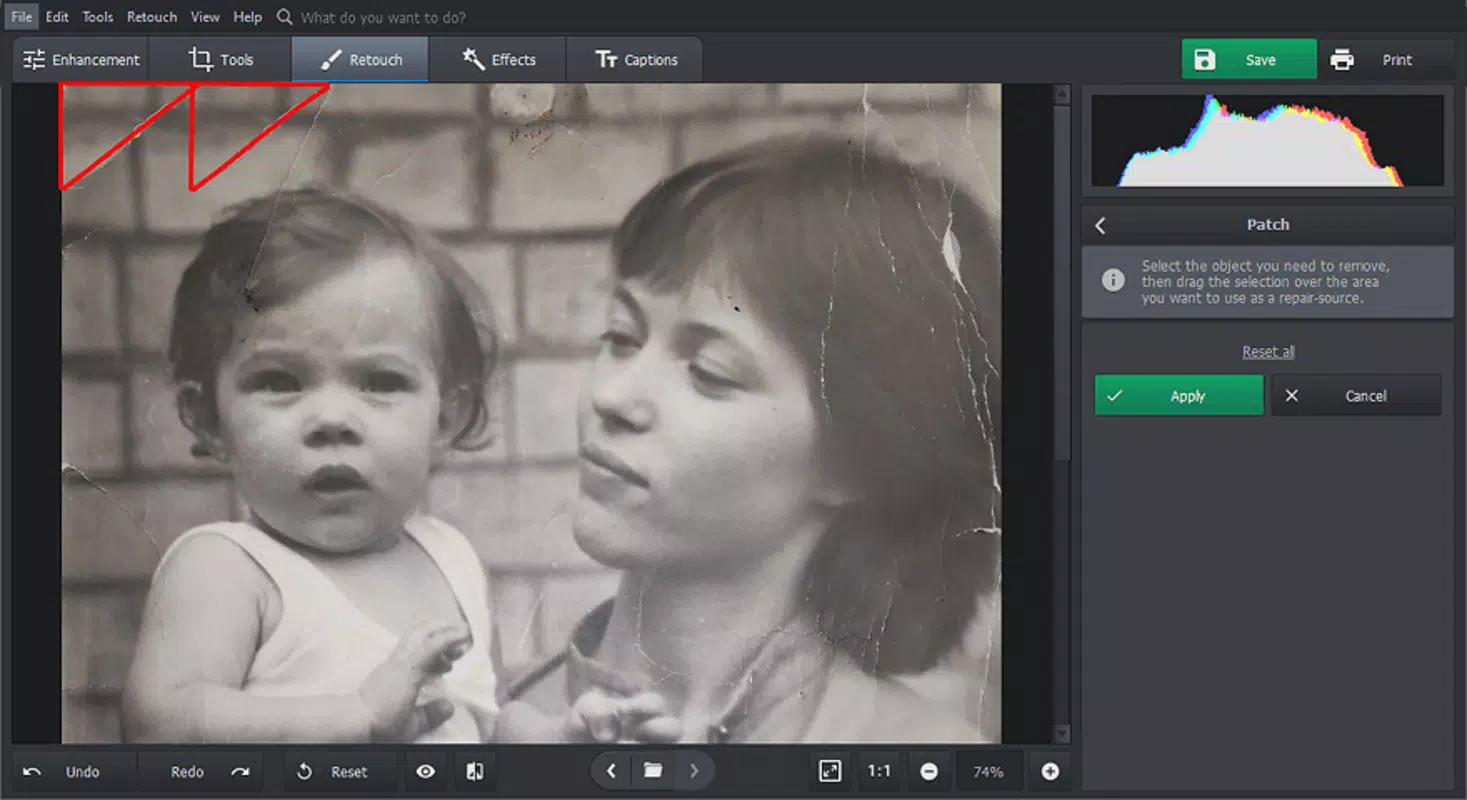
- Photo Restoration: Recovers faded or damaged images by reconstructing missing details and correcting color degradation, making it valuable for archival purposes.
- Photo Filters: Provides a curated selection of artistic filters that can be applied instantly, allowing users to transform the mood and style of their photos.
- One-Tap Optimization: Applies a balanced set of enhancements with a single tap, perfect for users seeking quick results without manual adjustments.
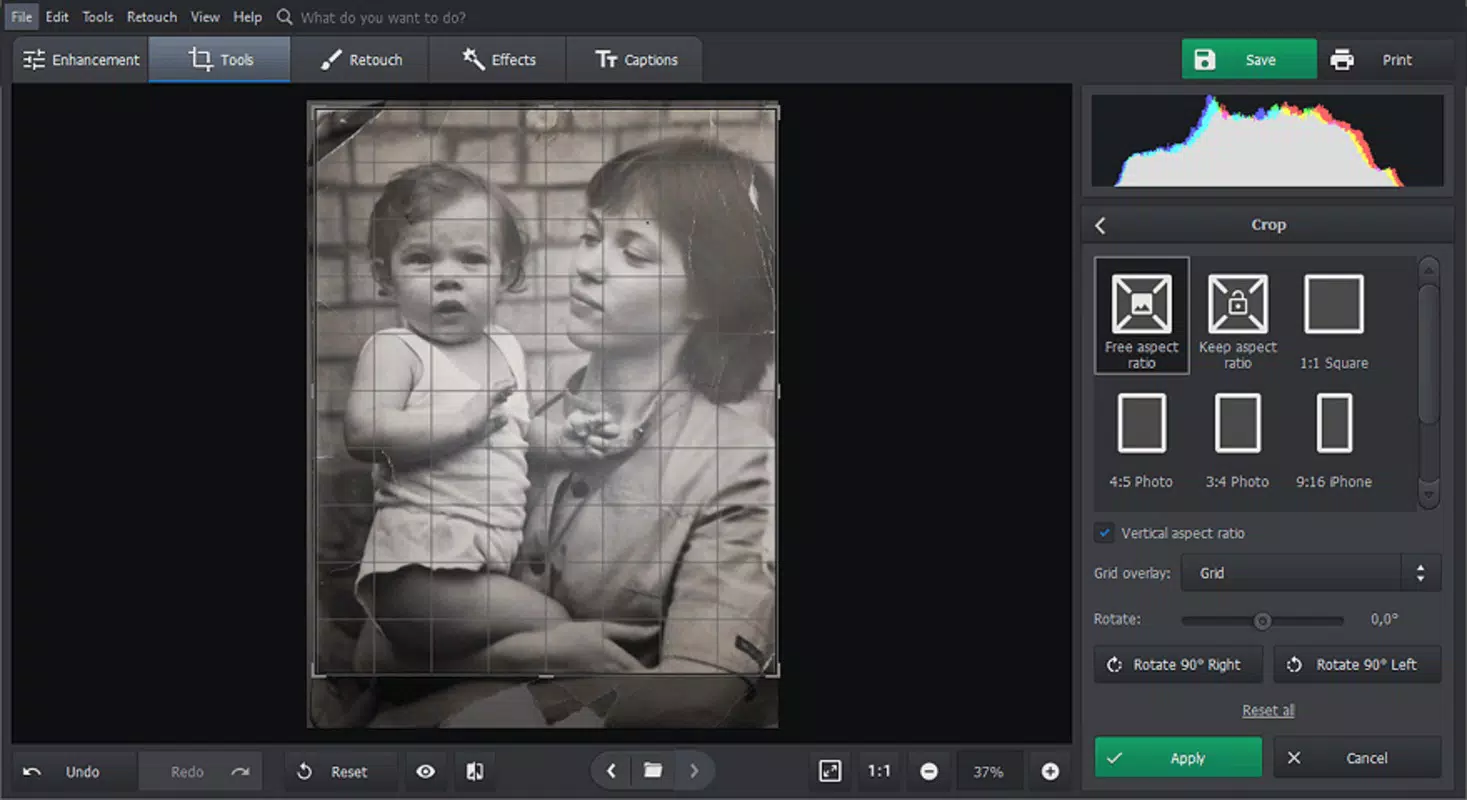
These features are particularly effective in real-world scenarios such as restoring old family photographs, enhancing travel snapshots, or preparing images for social media. For example, a user can restore a yellowed childhood photo by applying the restoration tool, then enhance contrast and apply a vintage filter for a cohesive look. Similarly, someone preparing a profile picture can use the retouching function to achieve a polished appearance. The integration of AI ensures consistent results across diverse image types, reducing the learning curve typically associated with photo editing software.
Interface, UX & Performance
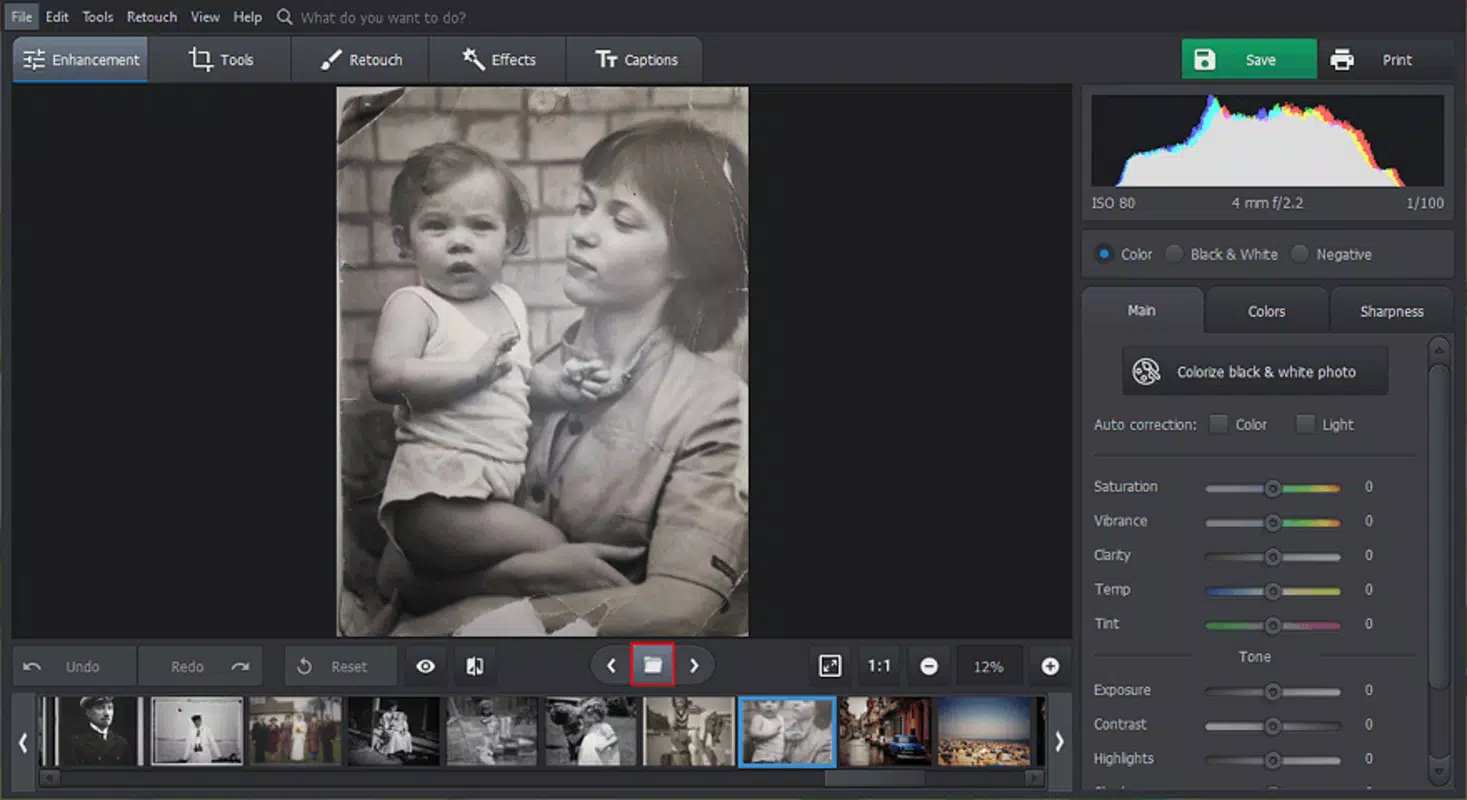
Photo Glory presents a clean, minimalist interface that prioritizes ease of access and intuitive navigation. The layout is organized around a central editing workspace, with tool icons arranged in a radial menu for quick selection. Users can import photos from their device gallery with a simple tap, and the app processes images swiftly, minimizing wait times during editing sessions.
The visual style emphasizes clarity and functionality, with uncluttered screens that reduce cognitive load. Navigation flows logically from import to edit to export, allowing users to complete tasks in a minimal number of steps. The app maintains responsiveness across various Android device categories, including mid-range and high-end smartphones, though specific performance benchmarks were not disclosed.
Although the developer did not list formal performance metrics, the app’s lightweight size of 24.5 MB suggests efficient resource usage. Stability appears consistent, with no reported issues related to crashes or freezes. The interface remains responsive even when applying multiple filters or enhancements, indicating optimized code execution. Users can expect smooth transitions between editing stages, contributing to an overall satisfying experience.
Platform Compatibility & Technical Requirements
Photo Glory is available exclusively on the Android platform, making it accessible to users of Android smartphones and tablets. The app supports the latest Android versions, though specific minimum OS requirements were not listed by the developer. The application has a file size of 24.5 MB, which is relatively small for a feature-rich photo editing tool, suggesting efficient coding and minimal bloat.
Given its free pricing model, the app is designed to be widely adoptable across different device tiers. The lack of detailed technical specifications means users should ensure their devices meet general Android compatibility standards. While no exact hardware requirements were provided, the app’s lightweight nature implies it should function well on devices with moderate processing power and memory.
For users seeking to install the app, the process is straightforward through official Android app stores. No additional permissions or third-party dependencies were mentioned in the provided information. The app is optimized for mobile touch interfaces, ensuring accurate tap and swipe interactions.
Pros and Cons
Pros
- Free to download and use with no in-app purchases required
- AI-powered tools deliver professional-level results with minimal user input
- Lightweight size (24.5 MB) ensures fast installation and low storage usage
- Intuitive interface designed for both beginners and experienced users
- Supports essential photo editing tasks including enhancement, retouching, and restoration
Cons
- Specific OS version requirements were not disclosed
- No information on cloud sync or cross-device access
- Developer did not provide details on export quality or resolution options
- Limited to Android platform; no iOS availability mentioned
- Performance on older or low-end devices was not tested or reported
FAQ
Is Photo Glory safe to download and use?
Yes, the app is free and available through official Android channels. No suspicious permissions were reported, and the developer has not indicated any data-sharing practices.
Can I use Photo Glory on my iPhone?
Currently, the app is only available on Android. There is no official iOS version listed by the developer.
Does Photo Glory require an internet connection?
The app functions fully offline, allowing users to edit photos without an active internet connection.
How often is Photo Glory updated?
The app was last updated on July 9, 2024. Future updates are expected, but the release schedule has not been disclosed.
Can I export my edited photos in high resolution?
The developer did not specify export quality or resolution options. However, the app’s AI tools are designed to preserve image clarity during processing.
Final Thoughts
Photo Glory stands out as a capable, accessible tool for anyone looking to improve their digital photos using intelligent editing techniques. Its focus on AI-driven enhancement, retouching, and restoration makes it a valuable addition to the mobile photography toolkit. The app’s lightweight design, intuitive interface, and free availability lower the barrier to entry for users who want professional-grade results without the complexity of desktop software.
While it lacks cross-platform support and detailed technical specifications, its core functionality is robust and well-executed. The app is especially beneficial for individuals restoring old photos, preparing social media content, or simply improving everyday snapshots. With no cost and minimal system demands, Photo Glory offers strong value for users seeking reliable, on-device photo editing.
Download Photo Glory now


